What Is a POS System?
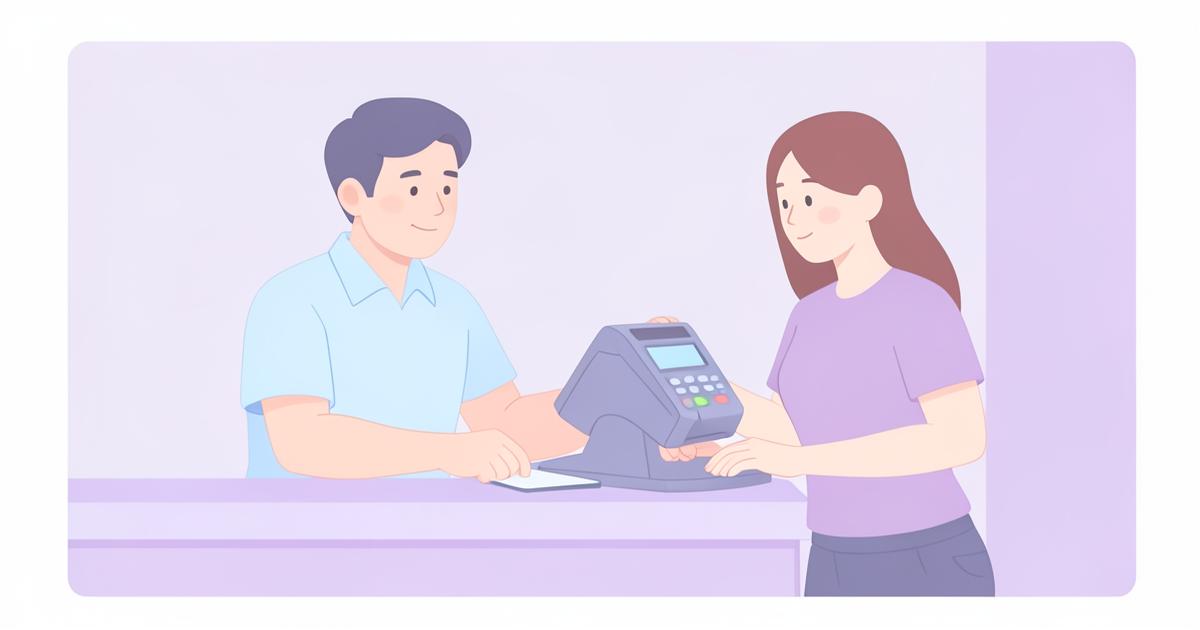
A POS system, short for electronic point of sale, is the POS software and hardware combination that a business uses to take orders, process payments and record sales. The POS meaning goes beyond a simple cash drawer, since a modern POS system also handles menus, reporting and staff workflows.
This guide covers what a POS system is, how it works step by step, the hardware and software involved, core features to expect, how it compares with a traditional cash register, and how to choose and set one up for a cafe, restaurant, takeout or bar.
POS Meaning: What Does POS Stand For
POS stands for electronic point of sale. It refers to the POS system used at the point where a customer pays, replacing a mechanical cash register with software that records the sale, calculates the total, and often connects to reporting tools behind the scenes.
In everyday use, people say POS system, POS system, and POS software fairly interchangeably, though POS specifically emphasises the electronic, software driven nature of the register compared with an old fashioned cash register.
POS System vs Traditional Register
A traditional cash register simply totals a sale and opens a cash drawer, with little to no record of what was actually sold or by whom. A POS system, by contrast, itemises each product sold, applies optional extras, tracks payment method, and stores that data for reporting.
The practical difference shows up at the end of the day. With a cash register, working out your best selling items or your average order value means manually checking receipts. With a POS system, that reporting is already there once orders have been taken.
How a POS System Works, Step by Step
Understanding how a POS system works is easiest as a sequence of steps from order to reporting.
- A staff member selects items from the menu on a screen, choosing any optional extras or modifiers
- The order type is set, typically eat in with a table number or takeout, plus an optional customer name
- The system totals the order automatically, including any extras
- Payment is taken by cash, card, contactless or gift card and recorded against the order
- The order is stored in order history, and can be voided if there is an error
- Reporting tools use that stored data to show daily revenue, average order value, popular products and customer trends
Hardware and Software Components of a POS System
A POS system is a combination of software and hardware. The software is the POS interface, menu builder and reporting dashboard. The hardware is whatever device runs that software plus any payment terminal used to take card and contactless payments.
A browser based POS system such as Epos Free removes the need for specialist terminals, since the software runs on any device with a browser, whether that is a tablet, laptop or phone, with no hardware lock in to a particular supplier.
- Software: menu builder, order screen, payment recording, reporting dashboard
- Device: tablet, laptop or phone with a browser
- Payment terminal: for card and contactless transactions
- Optional printer: for kitchen tickets or receipts, not required to run the register itself
Core Features to Expect from a POS system
Whichever provider you choose, a properly featured POS system for hospitality should cover the following as standard.
- A menu builder with optional extras or modifiers
- Eat in or takeout order types, with a table number for eat in
- Optional customer name on orders
- Support for cash, card, contactless and gift card payments
- Order history with the ability to void mistaken orders
- Daily revenue and average order value reporting
- Popular products and new versus returning customer insight
- A shareable staff menu URL that works on any device
POS Reporting: Why It Matters
Reporting is one of the biggest practical advantages a POS system has over a plain cash register. Daily revenue and average order value tell you at a glance how a shift or a day performed compared with usual.
Popular products reporting helps with menu decisions, such as which dishes to promote or drop, while new versus returning customer trends give a sense of whether marketing or repeat visits are driving sales. None of this is available from a mechanical register, which only ever shows a total.
Industries That Use POS Systems
POS systems are used across hospitality and retail, but the specific workflow differs by industry.
- Cafes and coffee shops, often high volume with fast, simple orders
- Restaurants, needing table numbers, extras and course timing
- Takeout restaurants, where takeout is typically the default order type
- Pubs and bars, needing quick entry for drinks and bar snacks
How to Choose a POS System
Choosing a POS system comes down to matching the features to how your business actually operates, rather than picking the option with the longest feature list. Start with the basics: does it handle your order types, your extras, and your payment methods.
Then consider cost and commitment. A free POS system with no contract, such as Epos Free, removes the risk of a long term commitment while you confirm it suits your workflow. For paid providers, always check their own site for current pricing and contract terms, since these vary and change over time.
- Does it support your order types, such as eat in with table numbers and takeout
- Does it handle optional extras or modifiers the way your menu needs
- Does it support the payment methods you actually take
- Does it report on the numbers you care about, such as average order value
- Does it require specific hardware, or work on devices you already own
- Is there a contract, and what happens if you want to stop using it
How to Set Up a POS System
Setting up a POS system generally follows the same pattern regardless of provider: build your menu, configure order types and extras, connect your payment method for card and contactless, and publish the menu for staff to use.
With a browser based system like Epos Free, this can be done without installing anything, since the menu builder, order screen and reporting all run in the browser, and the finished menu is published to a shareable staff URL.
- Add products, prices and any optional extras to the menu
- Set default order type, such as takeout, and enable table numbers for eat in
- Confirm which payment methods you accept, such as cash, card, contactless and gift card
- Publish the menu to a staff URL and share it with your team's devices
- Sign in to keep your menu and order history saved for reporting
Common POS System Mistakes to Avoid
A few recurring mistakes cause more trouble than the POS system itself. Overcomplicating the menu with too many optional extras can slow staff down during busy service, so it is worth keeping modifiers simple where possible.
Another common mistake is not checking void and order history processes before going live, which matters when correcting mistakes during a busy shift. Finally, committing to a long paid contract before confirming a system suits daily operations is a risk that a free trial or free POS system avoids.
POS System vs Cash Register: Comparison Table
| Aspect | POS System | Cash Register |
|---|---|---|
| Itemised sales | Yes, per product with extras | Usually not, just a total |
| Reporting | Revenue, average order value, popular products, customer trends | Minimal or none |
| Order types | Eat in with table number, or takeout | No concept of order type |
| Payment methods | Cash, card, contactless, gift card recorded per order | Cash and sometimes card, not itemised |
| Menu updates | Edited digitally in seconds | Manual relabelling of buttons or keys |
| Staff access | Shareable staff URL across devices | Single physical unit |
Frequently asked questions
What does POS stand for?
POS stands for electronic point of sale, referring to software driven POS systems that record itemised sales, rather than a mechanical cash register that only totals a transaction.
How does a POS system work?
A POS system works by letting staff select menu items and extras, setting the order type such as eat in with a table number or takeout, taking payment by cash, card, contactless or gift card, and storing that order for reporting on revenue and popular products.
What is the difference between EPOS and POS?
EPOS and POS both mean electronic point of sale. EPOS is the term more commonly used in the UK, while POS is the standard term in the US and internationally. Epos Free is a browser based POS system that works the same way regardless of which name you use.
Do I need special hardware for a POS system?
Not necessarily, since browser based POS systems such as Epos Free run on any device with a browser, including tablets, laptops and phones, avoiding the need to buy dedicated terminals.
What features should a good POS system have?
A good POS system should include a menu builder with optional extras, eat in or takeout order types with table numbers, support for cash, card, contactless and gift card payments, order history with void functionality, and reporting on revenue and popular products.
Can a POS system replace a cash register completely?
Yes, a POS system can fully replace a cash register, since it handles payment totals as well as itemised sales, reporting and menu management that a cash register cannot provide.
Which businesses use POS systems?
Cafes, restaurants, takeout restaurants and pubs or bars commonly use POS systems to manage orders, payments and reporting, with the specific workflow varying by how each business takes orders.
How do I choose the right POS system for my business?
Choose a POS system by checking it supports your order types, optional extras, payment methods and reporting needs, and by confirming whether it requires specific hardware or a long term contract before committing.
How long does it take to set up a POS system?
A browser based POS system can typically be set up within an hour for a small menu, since it involves adding products and extras, setting order types, and publishing a staff menu URL, with no software installation required.
Is it worth trying a free POS system before paying for one?
Yes, trying a free POS system such as Epos Free before committing to a paid contract lets you confirm the workflow suits your business without any financial risk or long term commitment.